
Find a location near you!
Locations
Find a location near you!
Client Support
Client Portal
SmartWeb
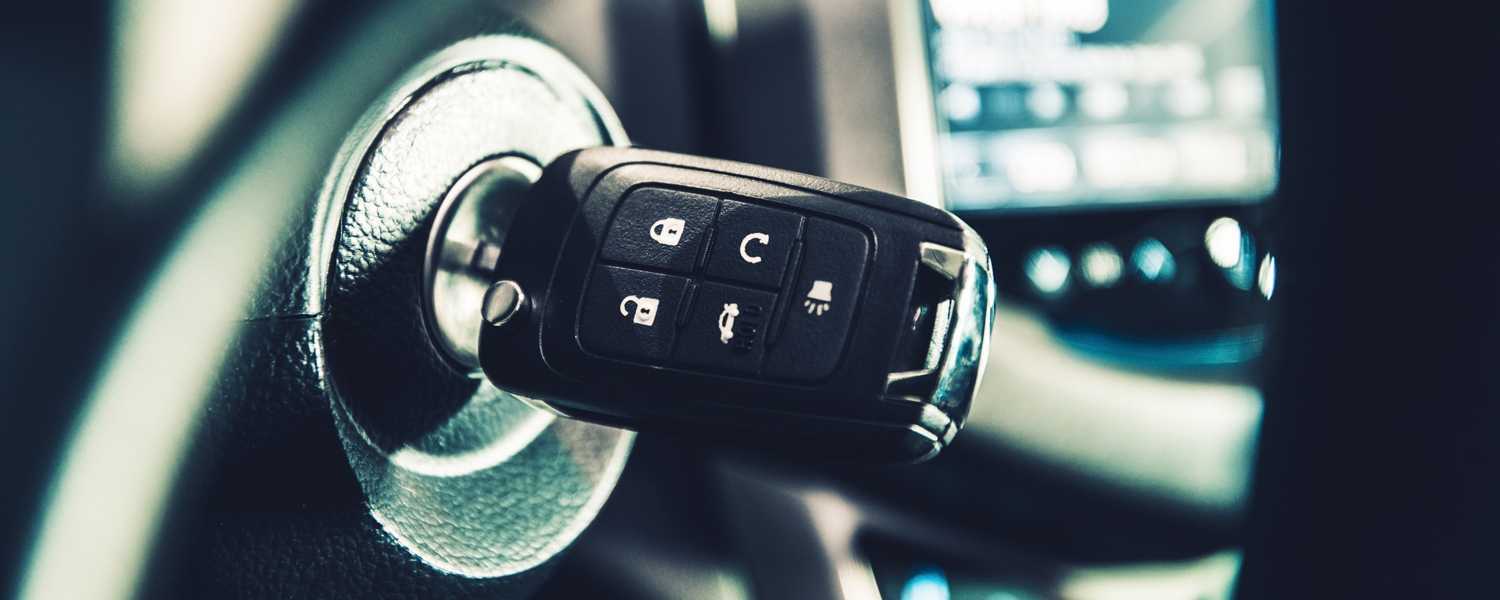
Key in vehicle ignition

When installed, your Interlock Device works alongside your vehicle’s other parts in a cooperative, seamless process. For the Interlock Device to function properly, however, parts like your vehicle’s battery needs to be in good condition as well. That may include charging or changing your car’s battery, even with an Ignition Interlock installed. Sometimes, charging or…

Charging or Changing Your Car Battery with an Ignition Interlock

When installed, your Interlock Device works alongside your vehicle’s other parts in a cooperative, seamless process. For the Interlock Device to function properly, however, parts like your vehicle’s battery needs to be in good condition as well. That may include charging or changing your car’s battery, even with an Ignition Interlock installed.

Sometimes, charging or changing your car battery may need to happen, regardless if you have an Interlock Device. This may be a worrisome thought, but can be a very smooth process with the right steps taken.
Save time and money during your IID program. Discover quality and affordable Interlock Devices at Smart Start. Get Started!

Tips for charging your car battery with Ignition Interlock

It’s easy to test if your battery has somehow lost enough power to support your Ignition Interlock Device. Just take a look at your IID.

Press the # sign on your device, and then 2 on the keypad. If your battery is below 12 volts, your battery could prevent your breath sample from registering.

Here’s a list below to make sure everything goes well while you are charging or changing your battery.

  1. If your state allows it, disconnect your head unit from the curly cord before you connect jumper cables or a charger to your battery. You can only disconnect the head unit while your vehicle is off. As of January 2016, only New York and Wisconsin do not allow you to detach your head unit while the car is off, but laws are always subject to change, so check with your Smart Start customer care representative first. If your state does not allow you to disconnect your head unit from the curly cord, call us at [company_variable name=”Corporate Telephone Number Link”], and we will help you out.
  2. Retrieve the user manual for your vehicle.
  3. Follow the instructions in your vehicle’s user manual to connect the jumper cables or charger to your battery.
  4. After charging the battery for the determined amount of time, reconnect the head unit.
  5. Try to start your vehicle as you normally do.
  6. Remove the jumper cables or charger as instructed by your owner’s manual.

If you need additional guidance, contact our Customer Care representatives at [company_variable name=”Corporate Telephone Number Link”], and we will help you with speed, efficiency and patience. We are here for you 24/7/365.

Remember, your Smart Start Ignition Interlock Device is designed to work WITH your battery, not against it.

Do you still need an Interlock Device installation appointment scheduled? Call Smart Start today at 800-831-3299 or fill out our quick and simple online form for a quote.

Schedule an Installation

Get a quick and easy IID installation with Smart Start! Get started today!

"* (required)" indicates required fields

Fieldset Begin
spanish_espanol
Entry Priority* (required)
Reason for Interest *
Fieldset Begin

Fast-Track Your Installation

Want to speed up the installation appointment process?
We can get you a quote faster if you fill out the information below.

Date of Birth
Preferences are subject to change based on availability.
Or Call (800) 831-3299 Now!
By providing your information and clicking “Get Help Now”, I authorize 1A Smart Start LLC and its affiliates and franchisees’ to contact me at the phone number and/or email address above via phone, text, and/or email using autodialing technology and artificial or prerecorded calls and texts for marketing purposes. Not a condition for purchase. Message and data rates may apply. To opt-out of texts, reply “STOP,” and to opt-out of emails click the email unsubscribe link.

Share this entry

Disclaimer

The information in this blog is for general informational purposes only. Information may be dated and may not reflect the most current developments. The materials contained herein are not intended to and should not be relied upon or construed as a legal opinion or legal advice or to address all circumstances that might arise. You should contact your attorney to obtain advice with respect to any particular legal matter. Only your individual attorney can provide assurances that the information contained herein – and your interpretation of it – is applicable or appropriate to your particular situation. Links to any third-party websites herein are provided for your reference and convenience only; Smart Start does not recommend or endorse such third party sites or their accuracy or reliability. Smart Start expressly disclaims all liability regarding all content, materials, and information, and with respect to actions taken or not taken in reliance on such. The content is provided “as is;” no representations are made that the content is error-free.

Take the first step to
get back on the road

GET A QUOTE

Use our fast online
form

CALL US AT

Find a Location


Scroll to top