[av_textblock size=” av-medium-font-size=” av-small-font-size=” av-mini-font-size=” font_color=” color=” id=” custom_class=” template_class=” av_uid=’av-lctbj6yp’ sc_version=’1.0′ admin_preview_bg=”]
With extreme winter storms and cold weather on the rise, you may wonder how to keep your Ignition Interlock Device working despite the cold temperatures. You may have even received a “Too Cold” error from your device in recent weeks.
Smart Start Ignition Interlocks are designed to withstand cold weather. If your device is too cold, it will start heating up and the screen will display “HEATING.” The Interlock Device usually takes about three to five minutes to heat up to its proper temperature. However, there are other things you can do to make sure you are on the road and moving quickly.
Smart Start has created this guide to give you five simple tools to keep you moving and your Ignition Interlock Device working, even in the cold.
How to Keep Your Ignition Interlock Device Working in the Cold

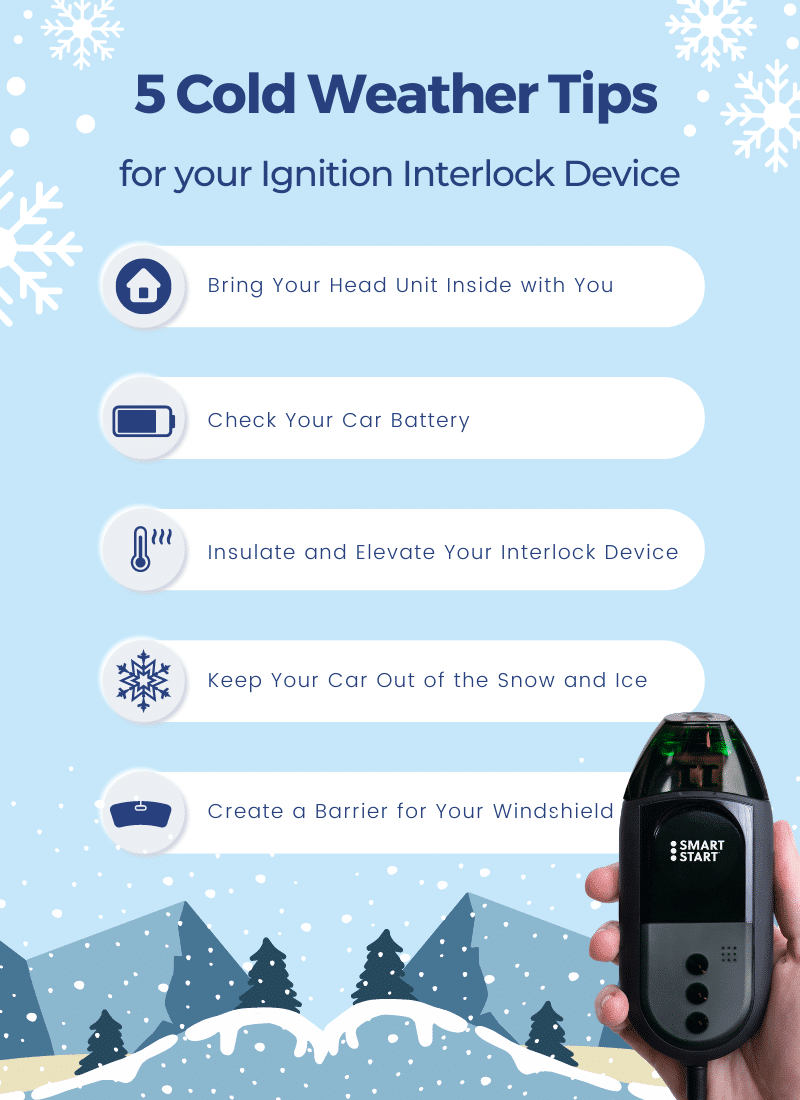
Tip #1: Bring Your Head Unit Inside with You
In most states, you can disconnect the head unit from the curly cord to prevent your Interlock Device from getting too cold. Doing this will help you avoid the “Too Cold” error from your device.
*Remember, you must turn off your car before you disconnect the head unit.
IMPORTANT! Wisconsin and New York do not allow you to disconnect the head unit from the curly cord. If you live in either of these states, do NOT disconnect your device.
Tip #2: Check Your
Car Battery
Making sure your car battery is working properly is another way you can ensure you will get to your destination swiftly. Your Smart Start Ignition Interlock can check your battery voltage for you. Just press the # sign and the number 2 on your keypad. If your results are below 12 volts, you may have issues providing a test. Keep this in mind if your results are near or below 12 volts!
Tip #3: Insulate and Elevate Your Interlock Device
If you are not allowed to disconnect your head unit or would rather leave it in the car, another way to keep your Interlock Device working correctly is to keep your device wrapped in something to insulate it from the cold. Anything that fits snuggly around the Interlock Device, such as a mitten or glove, will work. Making sure your device is not left on the ground but put in a cup holder, passenger seat, or console will help keep your device out of the way of moisture.
Tip #4: Keep Your Car Out of the Snow and Ice
Parking your car away from wind and snow can help ensure your Ignition Interlock will take less time to heat up. Any type of covered parking, even unheated, will protect your car and Interlock Device from cold weather-related damage.
Tip #5: Create a Barrier for Your Windshield
If you don’t have covered parking available, another way to protect your car and Interlock Device from the cold is to create a windshield barrier. There are black snow guards or frost guards available in stores, but you can make one out of household items such as a blanket, cloth, or sheet. Doing this will prevent snow and ice from piling on your windshield.
We Are Here to Help!
As always, if you have any questions related to your Ignition Interlock program, including weather-related situations, you can reach out to our Customer Care Center. Our support team is available 24/7/365, even during weekends and holidays, to help you.
Need a Reliable Ignition Interlock?
Smart Start’s Customer Care Center will set up an installation appointment at your nearest service center. They will also provide any state discounts and answer any questions you may have. Call us today at [company_variable name=”Corporate Telephone Number Link”] or fill out our short online form.
[/av_textblock]